Do you need an output from the answers you collected? The final report is what serves that purpose. You can edit it, add comments to the introduction and the summary, and download it as a PDF file.
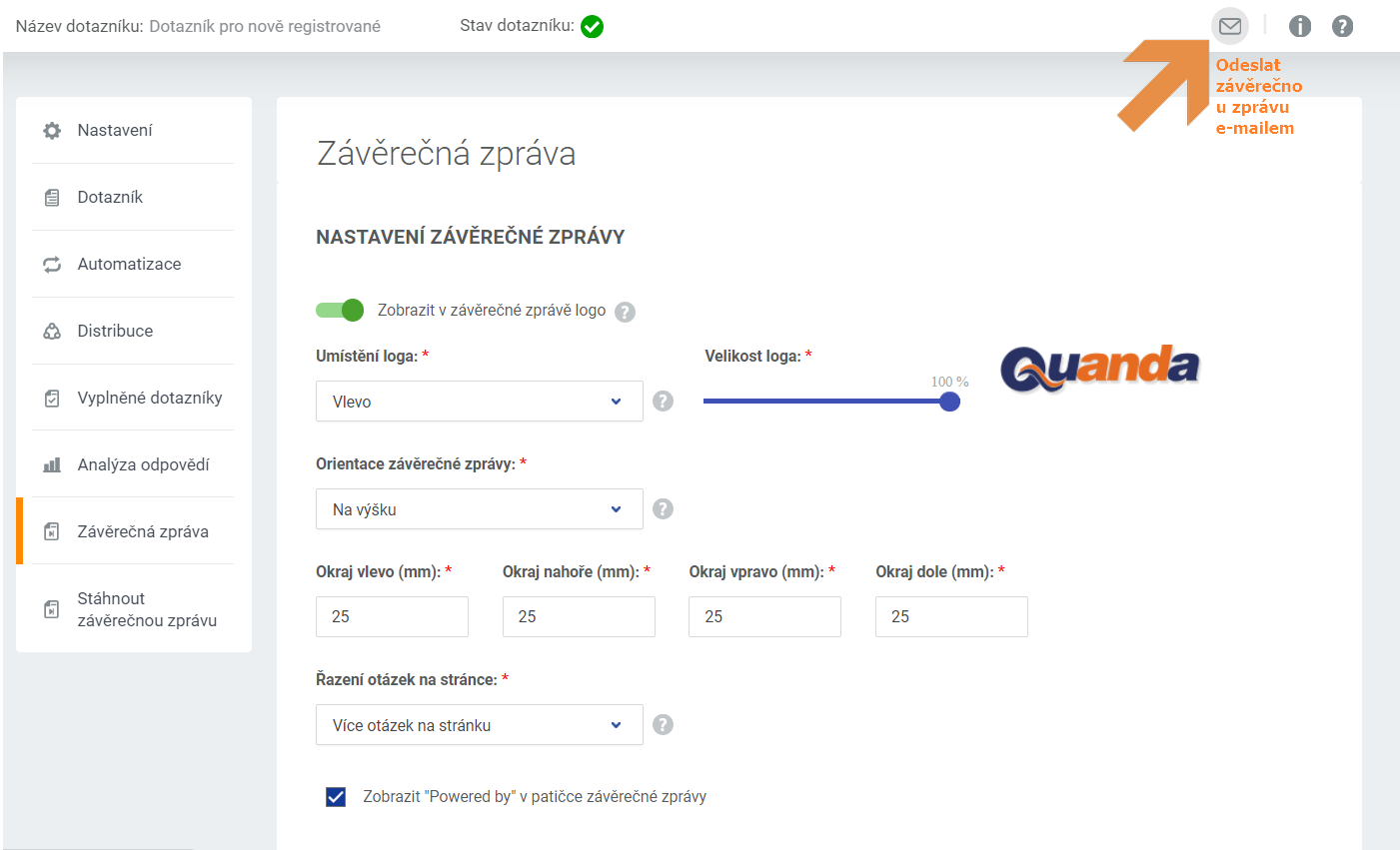
In the first part of the final report section you set the appearance, the placement of the logo (the logo is added, removed and edited on the page … / Settings / Contact details), the size of the page margins in the file, the page orientation and how questions are arranged on the page.
Once you have all the parts set up, you can download the final report to your computer in the Download final report section, or send it straight to yourself or a colleague by e-mail using the envelope button in the top right corner.
In the final report you can also edit the intro page, the result pages and the overall summary.
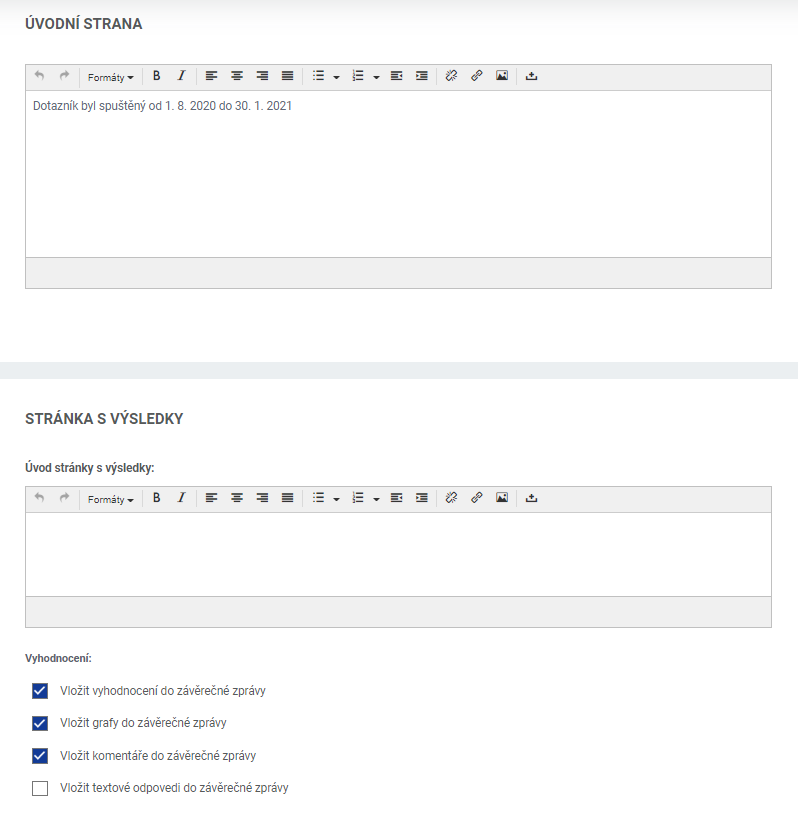
The answers are generated into the final report according to how you set up their evaluation in the answer analysis section, that is whether you updated all answers, added charts and any comments.
Do you have questions? We will be happy to answer them. Just contact our customer support at +420 605 163 892, e-mail: support@onquanda.com.
Updated prosinec 30, 2021