You can distribute a newly created survey either with the generated survey URL, or you can send an invitation to the survey straight from Quanda.
In the "Distribution" step, change the state of the survey to "ready to use". A link that points directly to the survey is generated for you.
You can easily share the link directly with the contacts you want to fill the survey in.
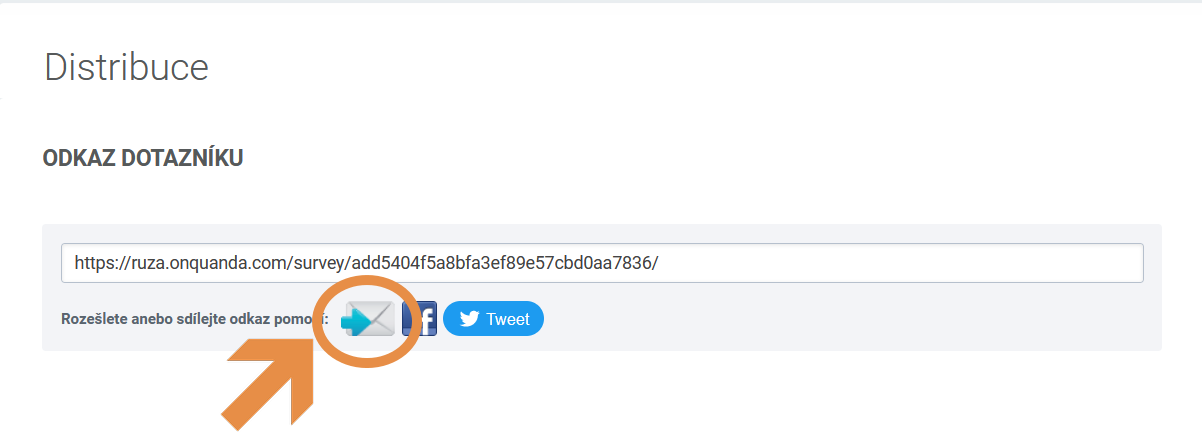
If you want to identify the respondents of your survey, distribute the survey through an e-mail campaign straight from Quanda.
Choose the "distribute by e-mail" option.
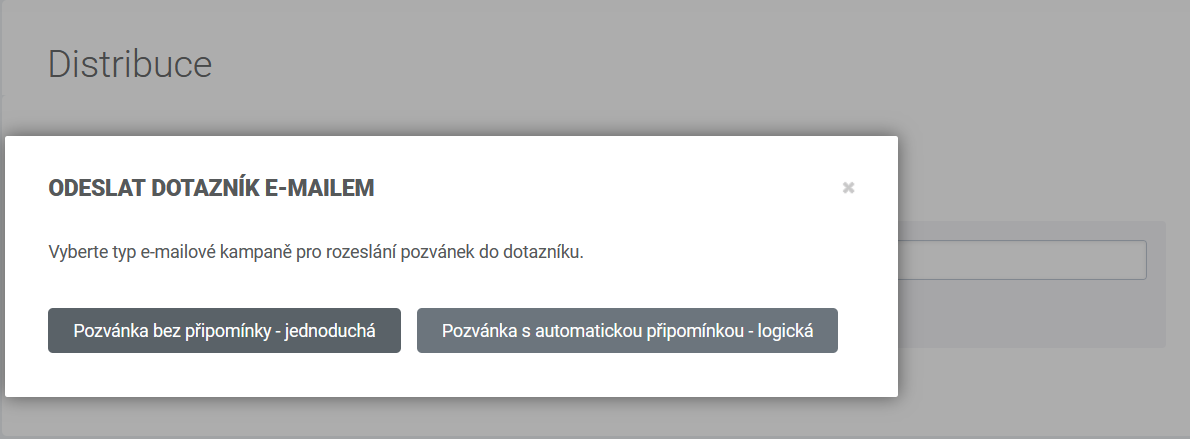
You can choose distribution with a simple campaign or a logic campaign.
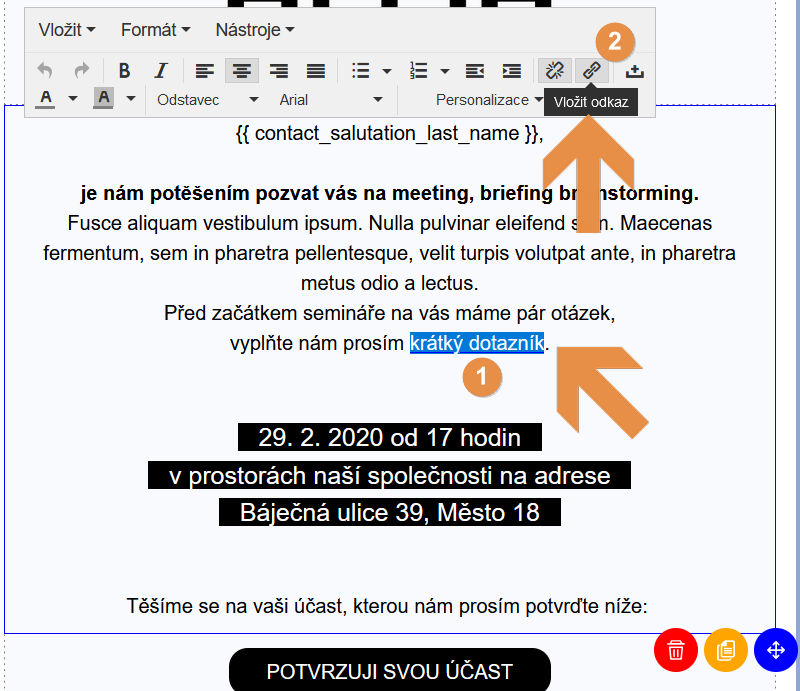
Carry on building the e-mail campaign and its content. You can insert the survey as a link, just copy the URL that was generated in the survey.
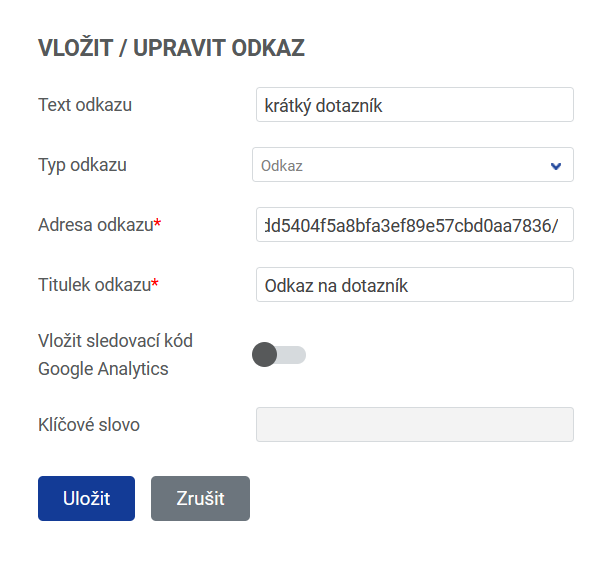
For better visibility you can also put the survey into a button.
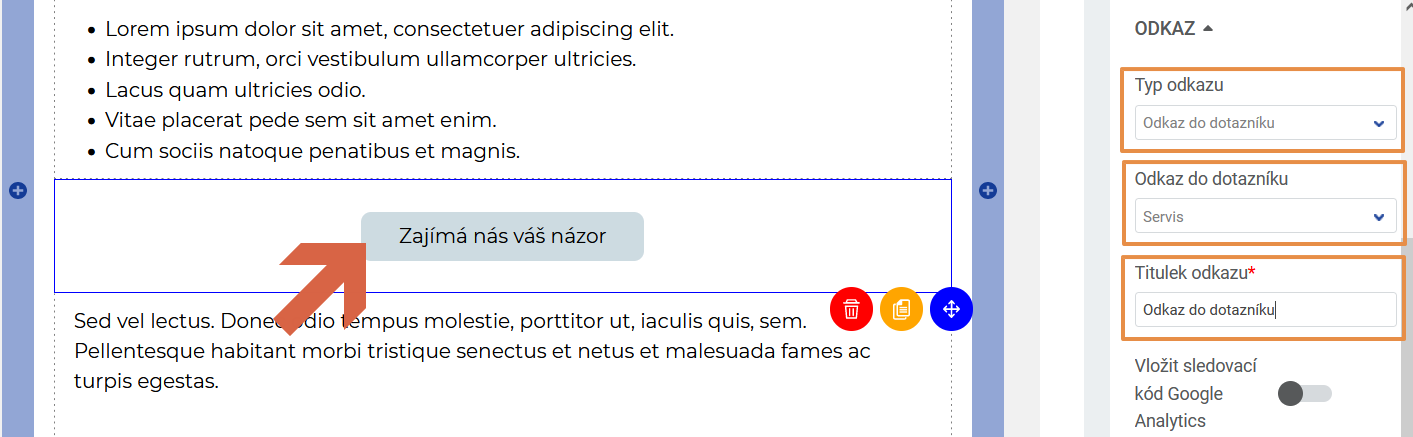
Then send the campaign you created with the invitation to fill in the survey.
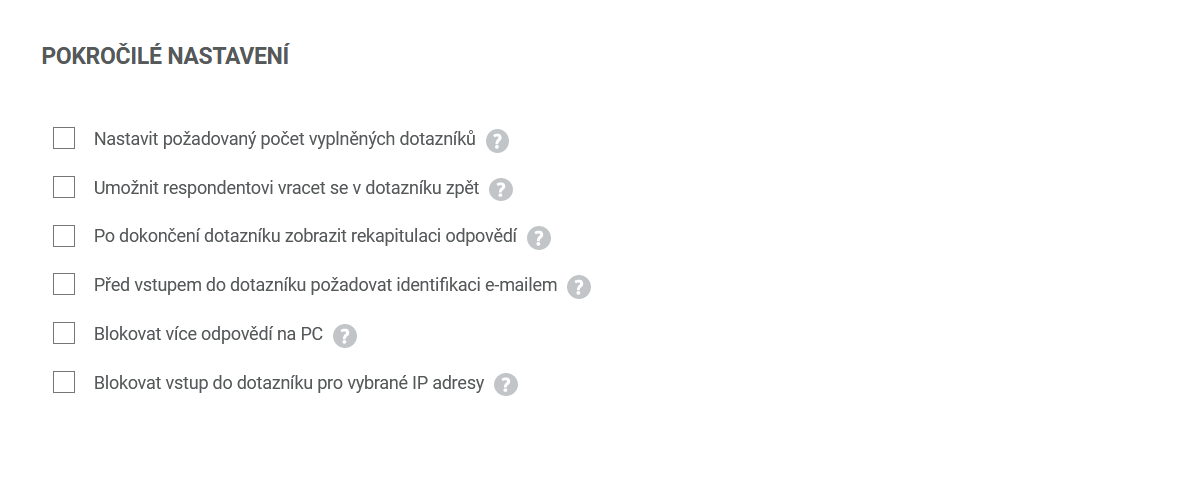
Advanced settings
Here you tick the additional settings for the survey.
Do you have questions? We will be happy to answer them. Just contact our customer support at +420 605 163 892, e-mail: support@onquanda.com.
Updated prosinec 30, 2021