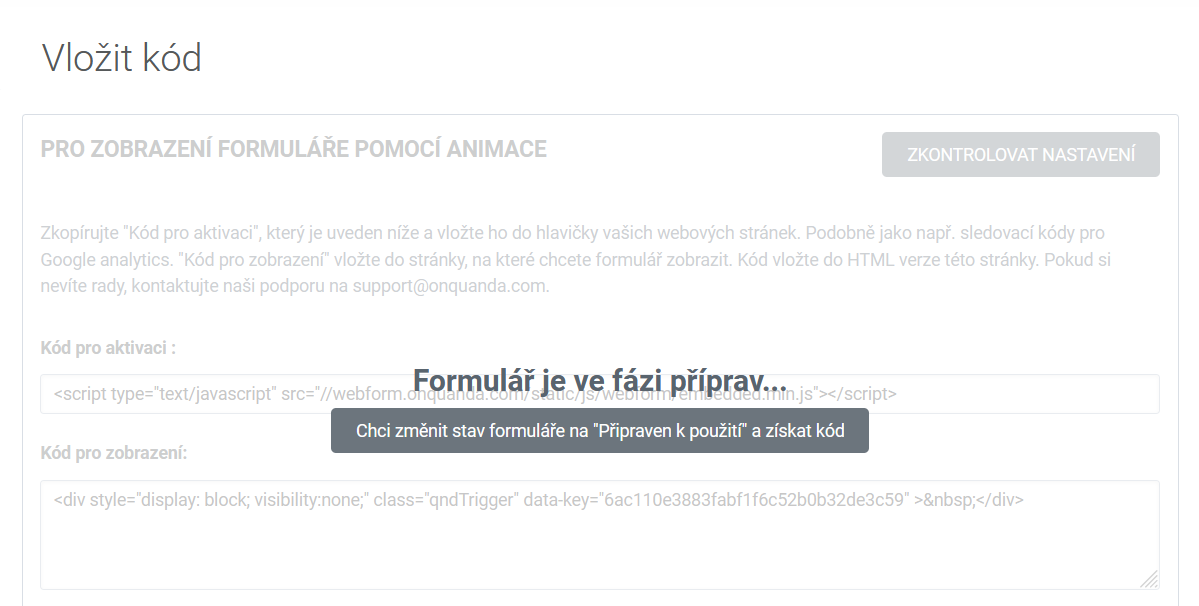
Once you have the form ready in terms of content and design and have created the automations you need, and an animation where relevant, you have to activate it on the Insert code page and place the codes on your website.
If you are about to activate a form on your website, the site has to be on a secured web, that is https.
Because the form creates new contacts and updates existing ones in Quanda, you need to keep an eye on the number of contacts and whether you are approaching the limit of your plan.
You find out the limit set by your plan through the three dots / Settings / Plan, where the plan and the number of contacts are stated. You find the current number of contacts in your account under Contacts / Contact list, in the bottom left of the overview page.
If the system had no room for creating new contacts from forms, it would switch off all active forms on the website.
The activation code
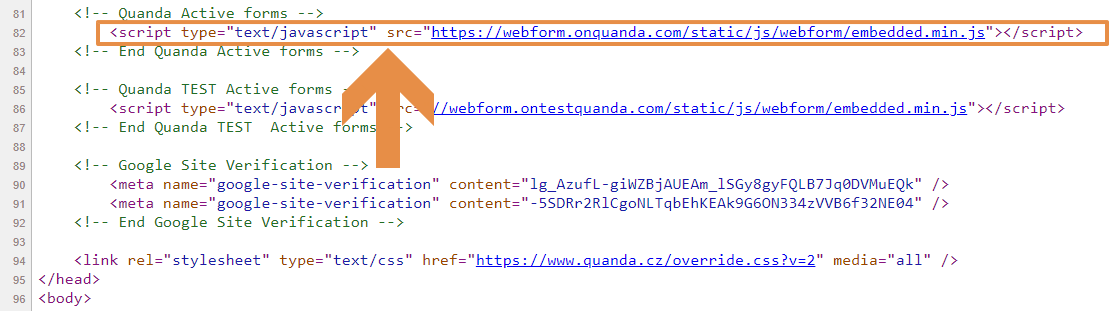
It is placed into the source code in the header of your website.
<head> marks the beginning of the header and </head> its end.
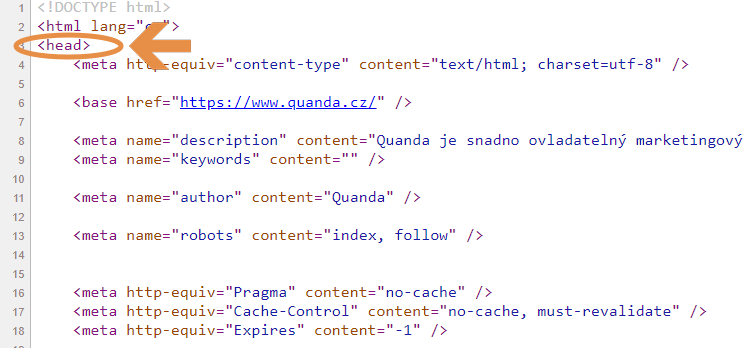
The code has to be placed somewhere between these tags.
If your site runs on WordPress, you will need a special plugin for inserting the code into the header:
The display code
It is placed into the source code directly in a particular article or section of your website. If you have an article, you have to display it in the source code, not the text, and insert the code there.
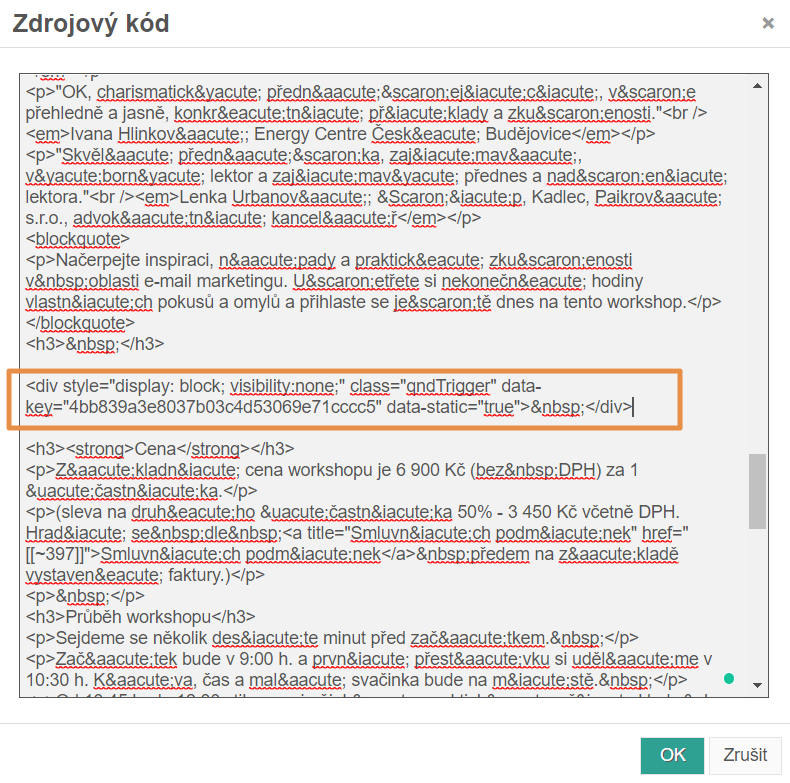
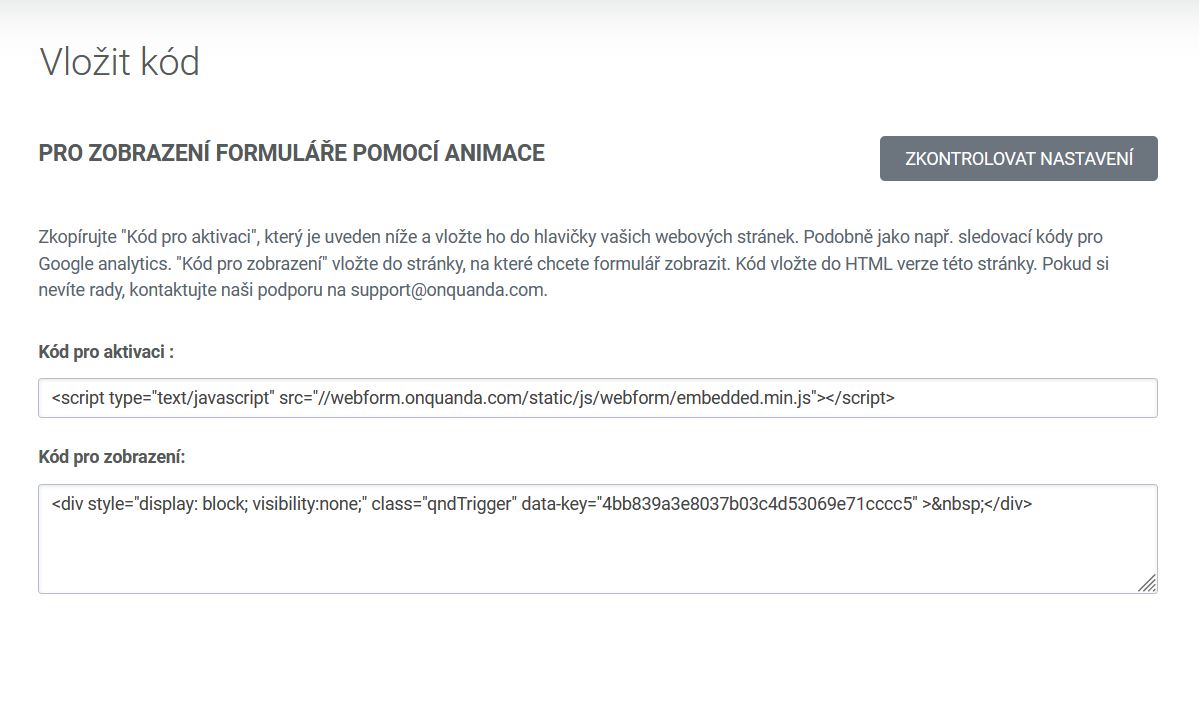
Showing the form with an animation
If you allowed the animation in the animation section and set the conditions for showing the form, you copy these two codes.
If you chose the option for the form to appear only after scrolling to a particular place on the page, place the display code at that particular place in the text (the source code).
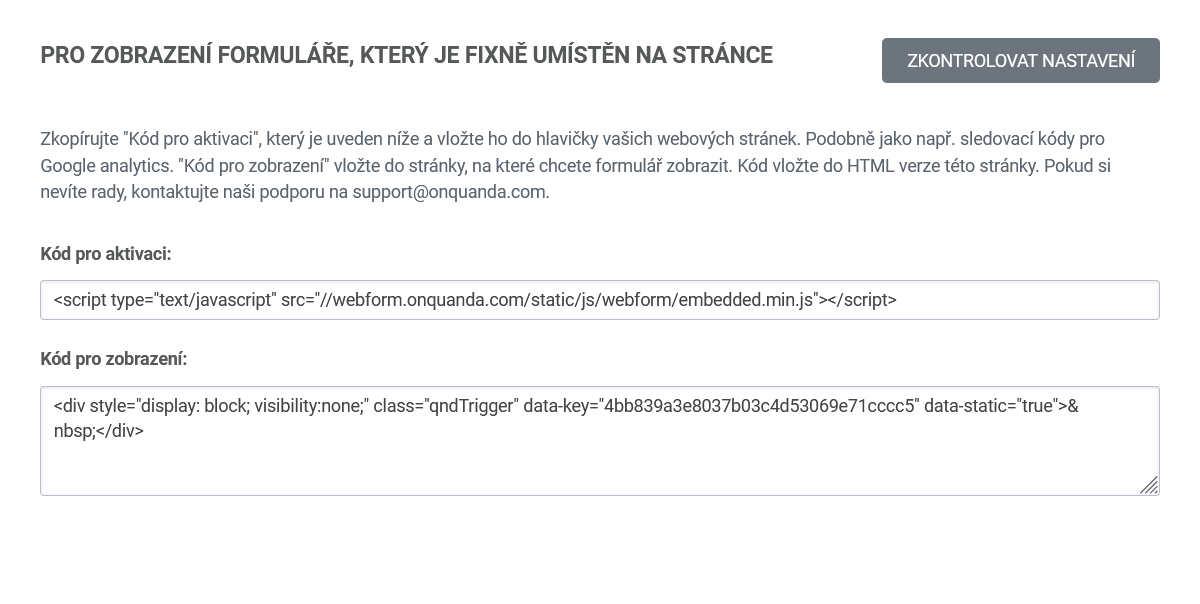
Showing a form that is fixed on the page
If you want the form fixed on the page, you have to place the display code into the text at the spot where it should be shown.
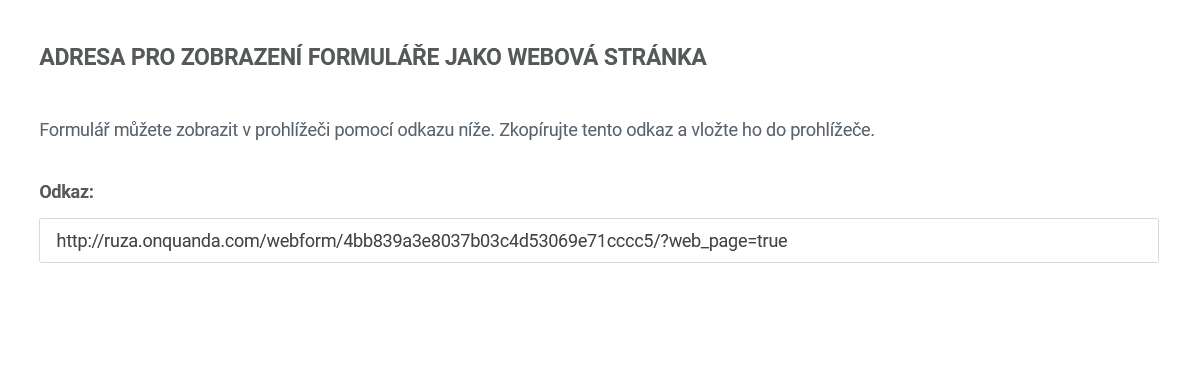
The address for showing the form as a web page
If you want to use the form only in a link for particular recipients, for example to send a simple campaign and put a link to the form into a button, so that it would not be placed on your website at all, you can use this link.
Updated leden 4, 2022