A fixed form
You can skip this section if you created a form that will sit in a fixed place on your website. The form can look like a part of the page.

An animated form
If you want an animated form, you can set the parameters you need on the page.
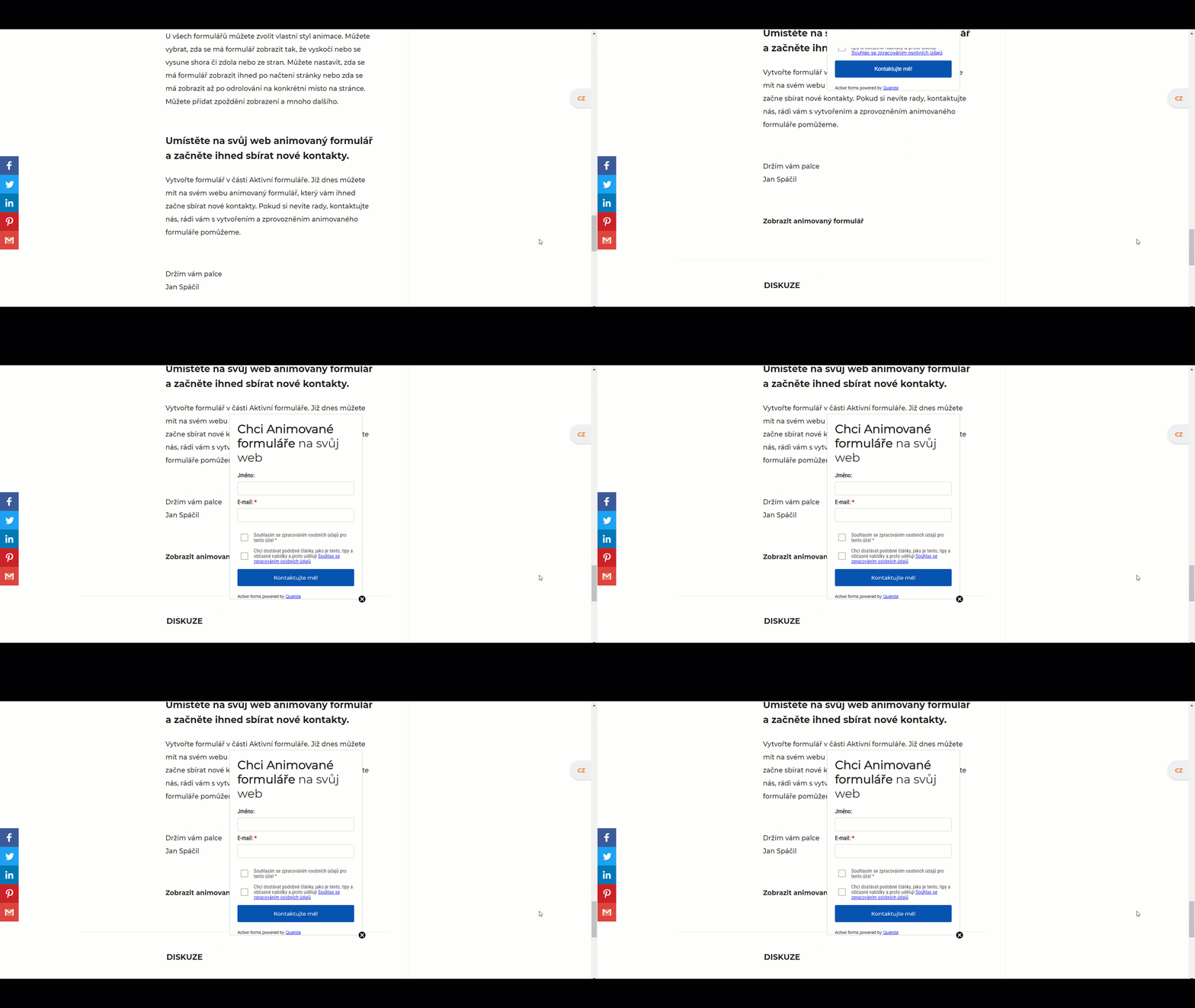
How to do it:
First allow the animation with the slider.
Animation settings
You pick whether you want the form as a pop-up window, a sliding bar or a sliding window, and where it appears on the screen.
Custom animation settings
If the animation preset by Quanda does not suit you, adjust it to your liking. You can change the offset, the animation and the animation speed.
Display option settings
The form appears on the page once it loads, or after a set delay.
The form can also be shown only after scrolling to a particular place on the page, again with a certain delay.
Advanced animation settings
In the checkbox fields you tick the setting that suits you.
For example: automatic closing when idle, dimming the background once the form loads, showing the cross for closing the form and so on.
Do you have questions? We will be happy to answer them. Just contact our customer support at +420 605 163 892, e-mail: support@onquanda.com.
Updated leden 4, 2022