Quanda offers a wide range of features you can try out in the trial version and decide what will be ideal for you.
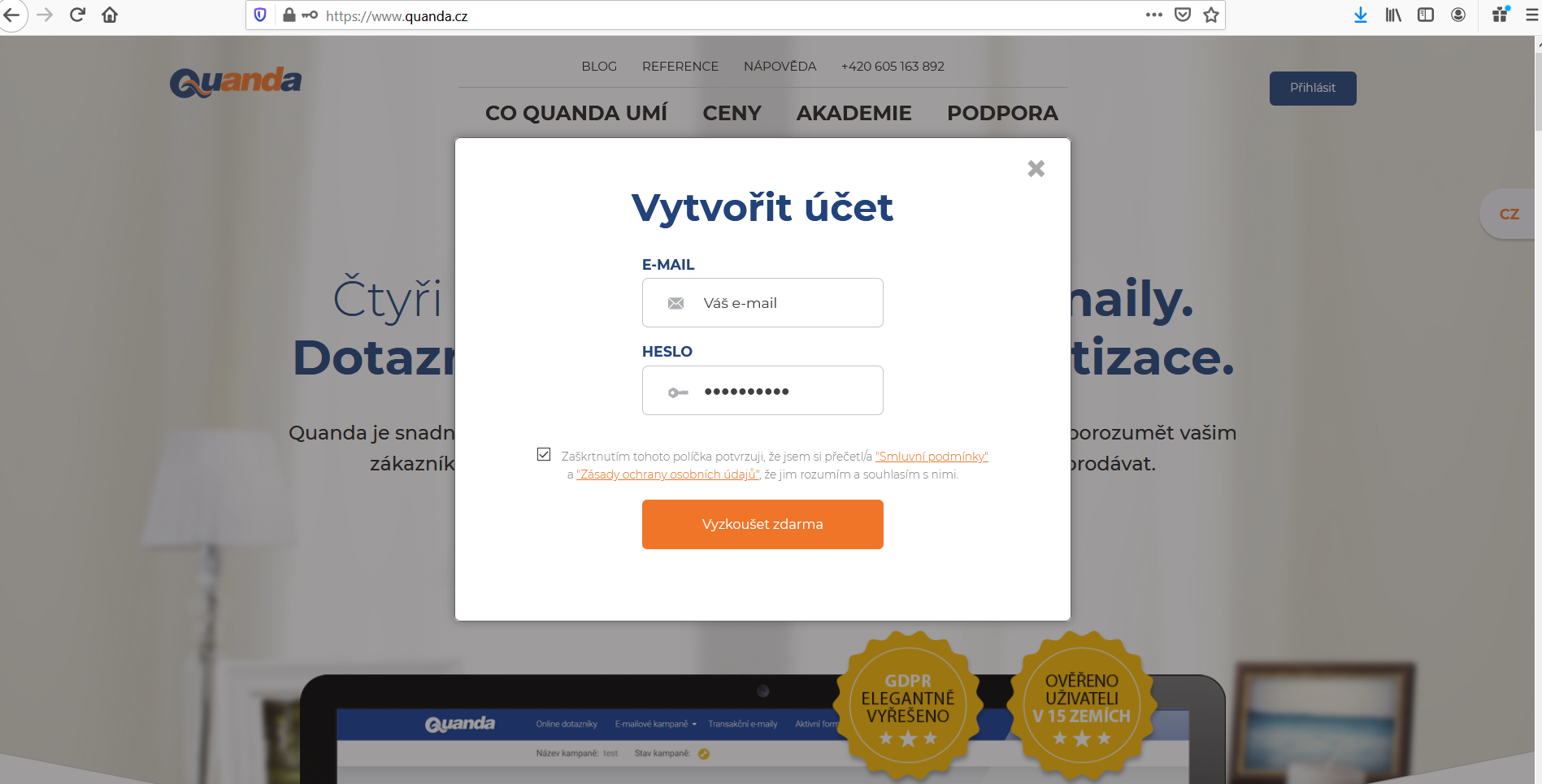
Registration is very easy and quick. On the home page https://www.quanda.com/ just click the orange "Try for free" button, then fill in the registration e-mail and the password you will use to log in to the application. One of the conditions is ticking that you have read the documents on the Terms of service and the Privacy policy.
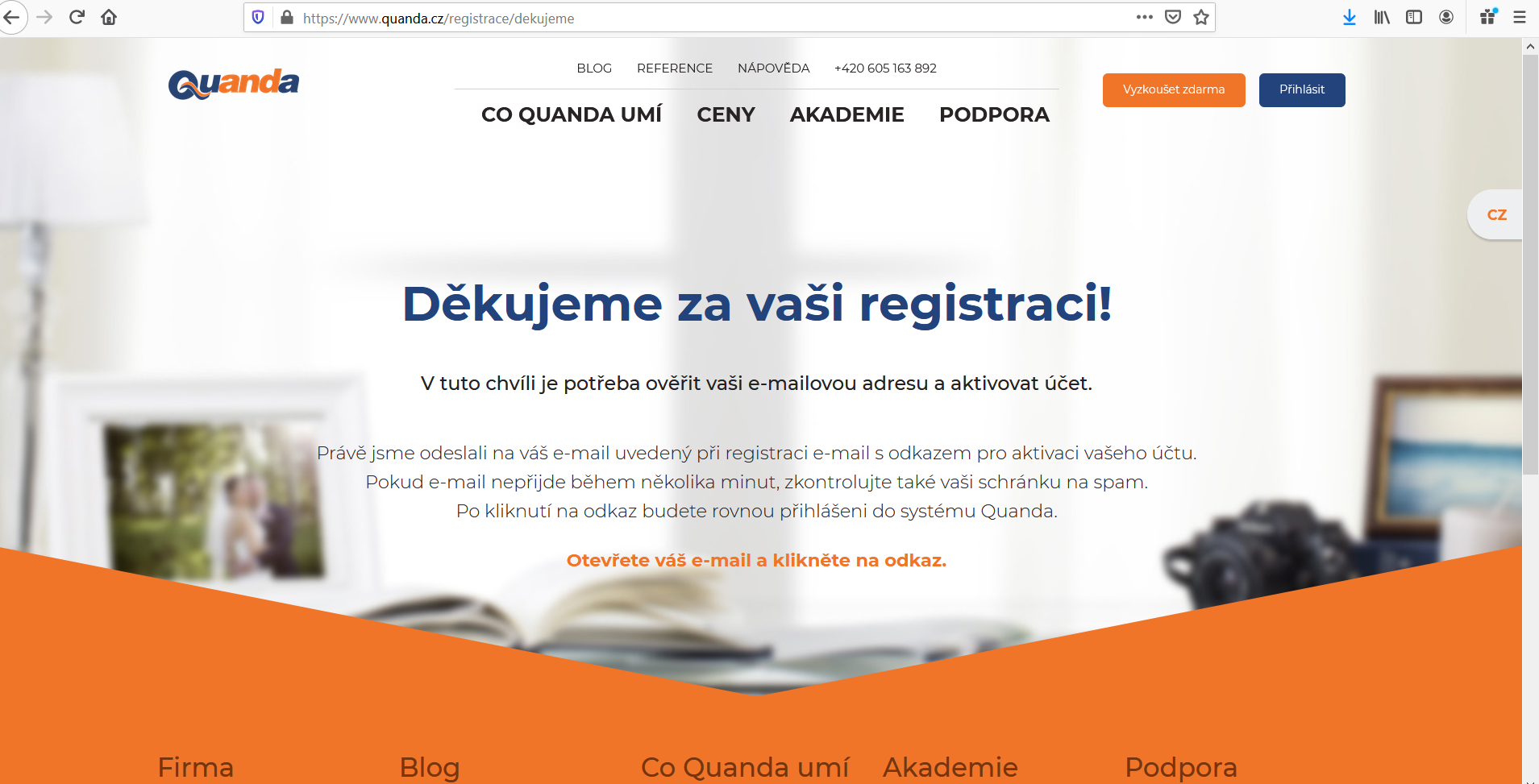
After clicking the "Try for free" button you receive an e-mail (Welcome to Quanda) to verify the e-mail and activate the account.
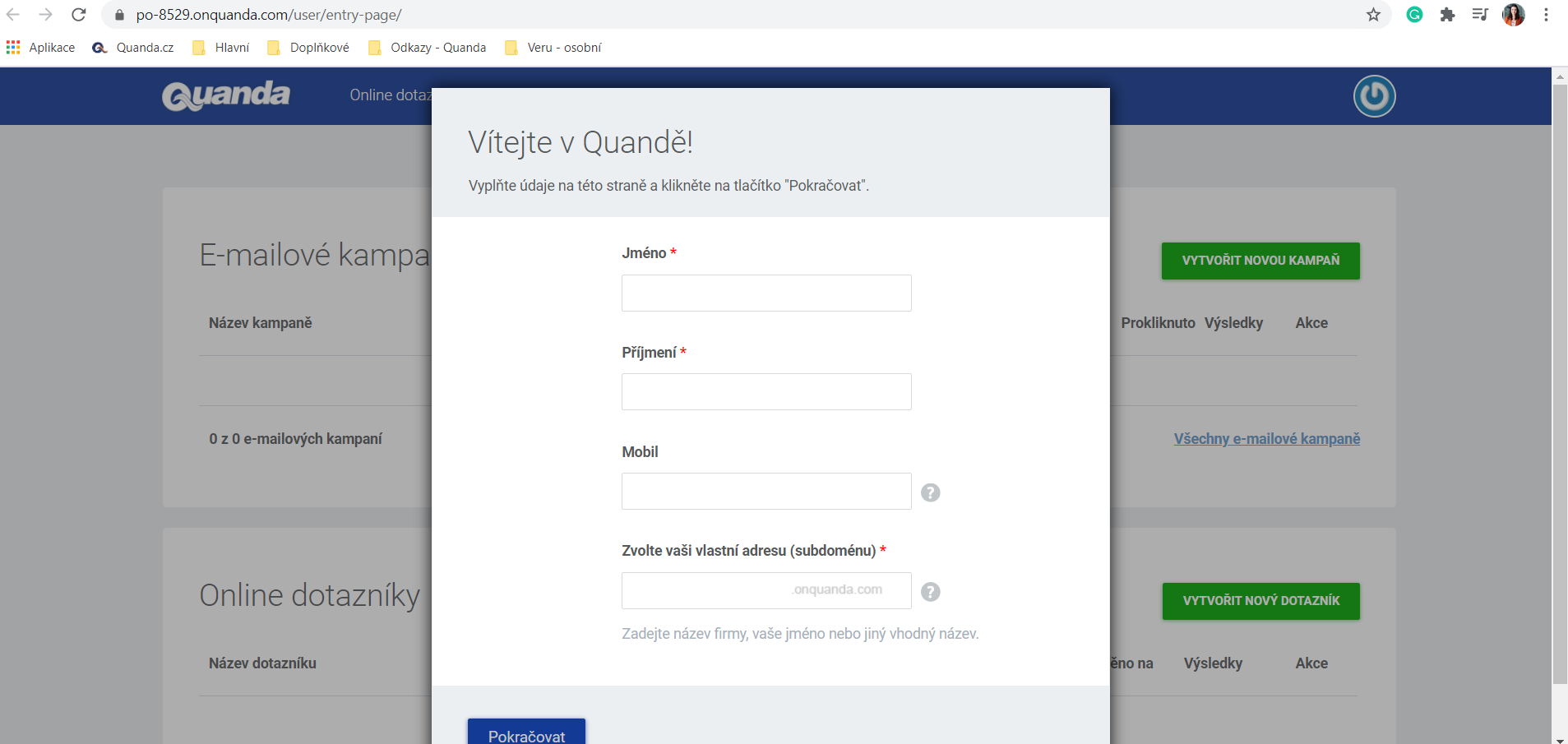
Once you activate the account, you fill in the user details (first name, surname, subdomain, that is the account name without diacritics and without spaces).
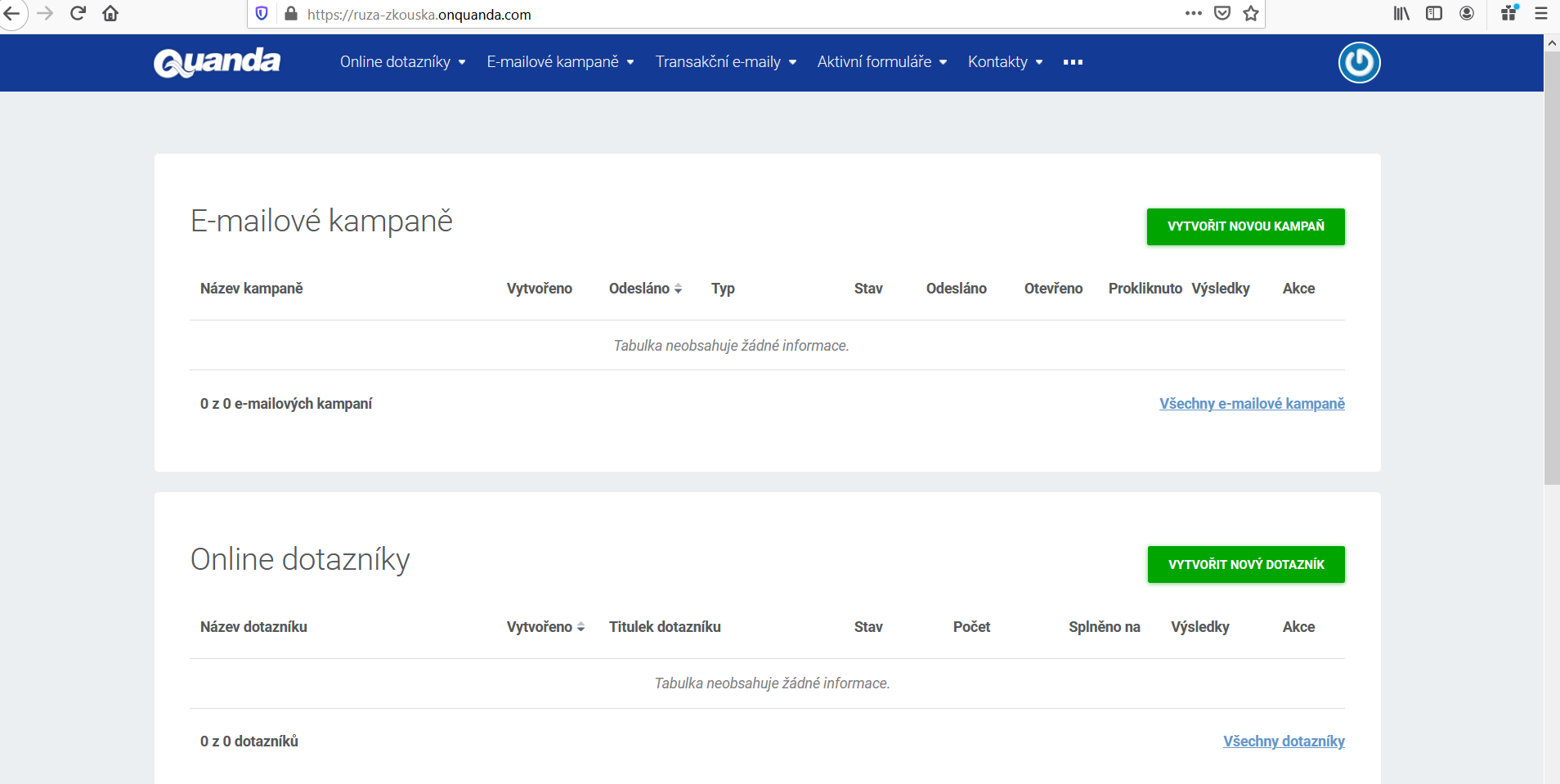
And now you can try Quanda out to the full.
The plan in which you can try the features out offers:
- registration of 1 user with the Admin role (User roles in Quanda)
- generating 1 API key for connecting with the RAYNET application, for example
- importing up to 200 contacts
- 10 conditions when creating contact automation (for example automatically creating salutations, filling in name days, gender)
- creating a survey with up to 100 respondents
- creating all types of e-mail campaigns:
- a simple e-mail (1 of them in the "ready to use" state)
- birthday wishes (1 of them in the "ready to use" state)
- name day wishes (1 of them in the "ready to use" state)
- A/B testing (1 of them in the "ready to use" state)
- a logic e-mail (1 of them in the "ready to use" state)
- a transactional e-mail (1 of them in the "ready to use" state)
- creating a web form
Do you have questions? We will be happy to answer them. Just contact our customer support at +420 605 163 892, e-mail: support@onquanda.com.
Updated březen 23, 2021