You will find custom fields in Contacts and Companies, 6 custom fields in Contacts and 3 custom fields in Companies.
They serve to store information for which there are no predefined fields in the system.
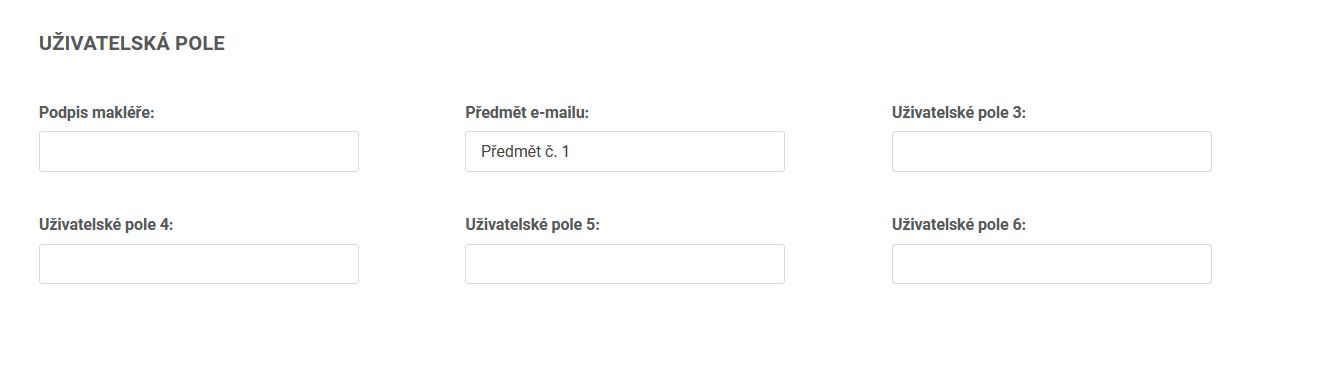
You can name these custom fields under … / Settings / Custom fields.
Custom fields then let you segment the recipients of your e-mail campaigns or filter the results of online surveys.
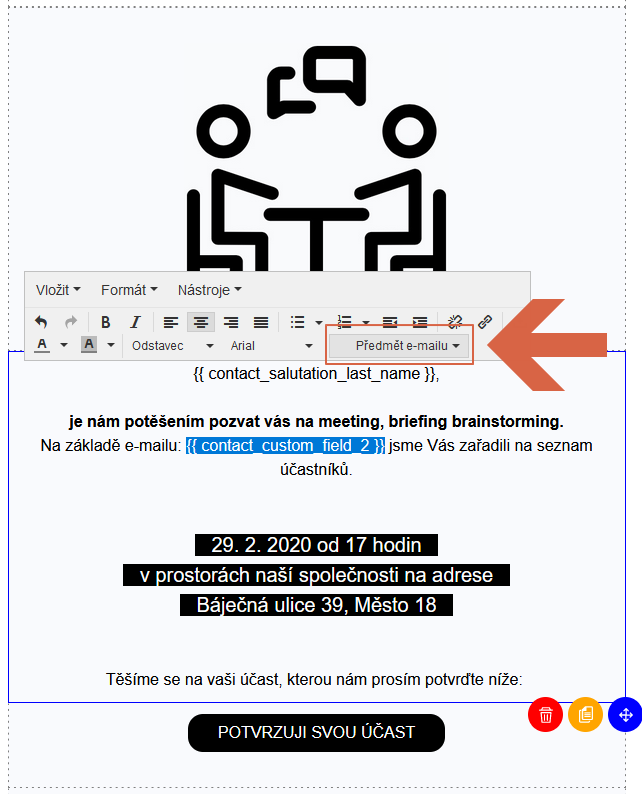
You can also use the data from custom fields when personalizing an e-mail, by inserting the code for the given field in the e-mail editor. (For example {{ contact_custom_field_2 }}, which is the tag for "E-mail subject", see above.)
You can store information in these fields manually, through an import or through active forms.
Do you have questions? We will be happy to answer them. Just contact our customer support at +420 605 163 892, e-mail: support@onquanda.com.
Updated červen 29, 2021